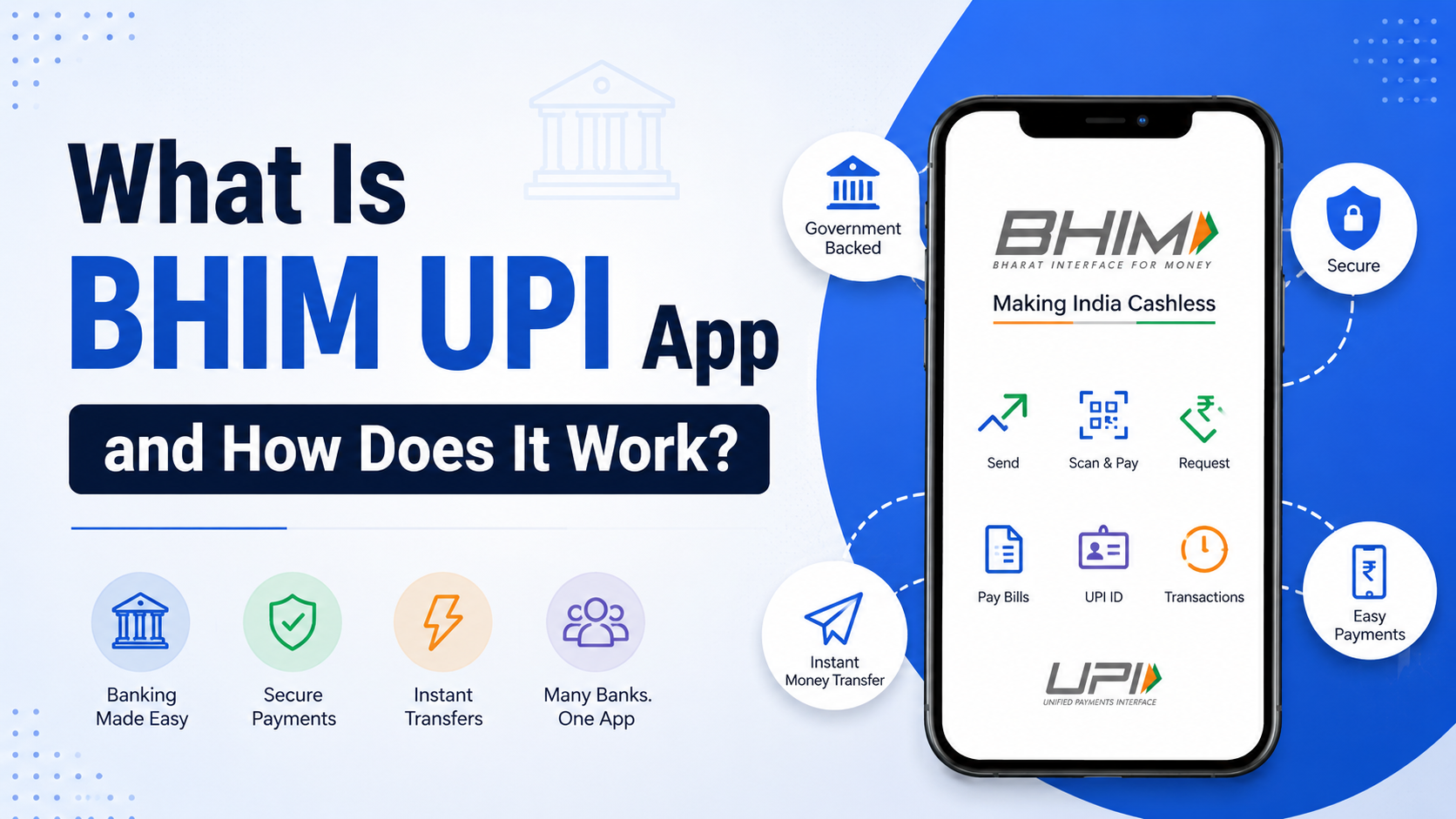
The BHIM UPI App has brought about a complete revolution in the way that millions of people make payments in India. If you are a student, shop owner, or even an employed individual, then the BHIM UPI payment app allows you to perform transactions seamlessly, securely, and most importantly for free. But how does BHIM work, and what is it? This BHIM app guide will teach you all about BHIM, step by step.
What Is the BHIM App?
BHIM stands for Bharat Interface for Money. It is the official digital payment app introduced by NPCI or the National Payments Corporation of India. BHIM mobile app was launched on 30th December 2016 by the Government of India for promoting electronic and digital payments in India.
BHIM is the digital payment app, which has been created using the UPI platform – Unified Payments Interface, an instant payment system that helps users transfer money from one bank account to another through mobile numbers, UPI IDs, or QR code. In other words, BHIM is the mobile version of banking that enables you to make payments using your account directly without any digital wallets.
Unlike other digital payment apps, BHIM is a government-sponsored app aimed at providing easy access to all Indian citizens including those in remote areas who do not know about online banking. It is available in more than 20 Indian languages.
How Does BHIM App Work?
The BHIM app works on the UPI (Unified Payments Interface) technology developed by NPCI. Here’s a simple breakdown of how BHIM UPI works:
- Bank Linking — You link your existing bank account to the BHIM app using your registered mobile number.
- UPI ID Creation — A unique UPI ID (e.g.,
yourname@upi) is created for you, which acts like your payment address. - Instant Transfer — You can send or receive money in real-time, 24/7, directly between bank accounts.
- No Wallet Needed — Money is transferred directly from bank to bank — no need to add funds to a wallet first.
- QR Code Payments — You can scan a QR code at shops and pay instantly, or generate your own QR code to receive payments.
Every transaction is protected with a UPI PIN, which you set during registration. This ensures that no one can transfer money from your account without your authorization.
Key Features of the BHIM App
The BHIM app features make it one of the most powerful yet simple UPI payment apps available in India today:
- Instant Money Transfer — Send and receive money in seconds using UPI ID, mobile number, or bank account + IFSC.
- QR Code Payments — Pay at merchant outlets or generate your personal QR code for receiving payments.
- Bank Balance Check — Check your linked bank account balance directly within the app.
- Transaction History — View all past transactions with full details.
- Multiple Bank Accounts — Link and switch between multiple bank accounts easily.
- Collect Money (Payment Request) — Request payments from contacts and set an expiry time.
- BHIM Aadhaar Pay — Merchants can accept payments via Aadhaar biometric authentication.
- Multi-Language Support — Available in Hindi, English, Tamil, Telugu, Gujarati, and 15+ other Indian languages.
- Offline Payments (USSD) — Available via
*99#even without internet access on basic phones. - Recurring Payments (Auto-Pay) — Set up UPI AutoPay for subscription-based payments.
BHIM App Registration – Step-by-Step Setup Guide
Setting up the BHIM app is very easy. Follow this BHIM app step-by-step guide to get started:
Step 1: Download the BHIM App
- Open Google Play Store (Android) or Apple App Store (iOS).
- Search for “BHIM UPI App” — the official app by NPCI.
- Download and install it on your smartphone.
Step 2: Select Your Language
- On first launch, select your preferred language from the list.
Step 3: Verify Your Mobile Number
- Enter your mobile number that is registered with your bank account.
- You will receive an OTP for verification — the app may auto-read it.
Step 4: Set Up Your Passcode
- Create a 4-digit passcode to lock and unlock the BHIM app on your device.
Step 5: Link Your Bank Account
- Go to “Bank Accounts” → Tap “Add Bank Account”.
- Select your bank from the list (100+ banks supported).
- The app will auto-fetch your account details linked to your mobile number.
Step 6: Create Your UPI PIN
- Select your bank account and tap “Set UPI PIN”.
- Enter the last 6 digits of your debit card number and its expiry date.
- Set a 4 or 6-digit UPI PIN — this is your transaction password.
Note: You do NOT need a debit card for internet banking — just the card details for UPI PIN setup. Some banks also support UPI PIN setup via Aadhaar OTP.
Step 7: Start Transacting!
- Your BHIM UPI ID is now ready (usually
mobilenumber@upi). - You can now send money, pay bills, and receive payments instantly.
How to Send Money Using the BHIM App
The BHIM app money transfer process is extremely simple:
- Open the BHIM app and enter your passcode.
- Tap “Send” on the home screen.
- Enter the recipient’s UPI ID, mobile number, or scan their QR code.
- Enter the amount you want to send.
- Add an optional remark/note (e.g., “Rent for June”).
- Tap “Pay” and enter your UPI PIN.
- Done! The money is transferred instantly.
BHIM App Transaction Limits
Here are the standard BHIM app transaction limits:
| Transaction Type | Limit |
|---|---|
| Per Transaction | ₹1,00,000 (1 Lakh) |
| Per Day | ₹1,00,000 (1 Lakh) |
| Number of Transactions per Day | Up to 20 transactions |
Note: Transaction limits may vary depending on your bank. Some banks allow higher limits for specific account types. For high-value transfers, you may need to use NEFT/RTGS via your bank.
Is BHIM App Safe?
Yes, the BHIM UPI App is completely safe. Here’s why:
- 🔐 UPI PIN Protection — Every transaction requires a 4 or 6-digit UPI PIN that only you know.
- 🔐 Two-Factor Authentication — Your device and mobile number both need to be verified.
- 🔐 No Card Details Stored — BHIM never stores your debit/credit card details on its servers.
- 🔐 Government-Backed — BHIM is developed by NPCI under the Government of India — not a private company.
- 🔐 End-to-End Encryption — All transactions are encrypted for maximum security.
- 🔐 RBI Regulated — All UPI transactions are regulated by the Reserve Bank of India (RBI).
Safety Tips:
- Never share your UPI PIN with anyone — not even bank employees.
- Do not click unknown payment links or scan QR codes from unverified sources.
- Always verify the recipient’s UPI ID before sending money.
BHIM App Benefits
Here are the top BHIM UPI app benefits that make it stand out:
- 100% Free — No charges for using BHIM or making UPI payments.
- 24/7 Availability — Send money any time, even on bank holidays.
- Instant Transfer — Money reaches the recipient within seconds.
- No Internet Required (USSD) — Use
*99#to access basic UPI features without internet. - Multi-Bank Support — Link accounts from 100+ banks.
- Direct Bank Transfer — No third-party wallet or intermediary involved.
- Government Trusted — Backed by NPCI and the Government of India.
- Easy to Use — Simple interface ideal for first-time users and seniors.
BHIM vs Other UPI Apps
| Feature | BHIM UPI | PhonePe | Google Pay | Paytm |
|---|---|---|---|---|
| Government Backed | ✅ Yes | ❌ No | ❌ No | ❌ No |
| Free to Use | ✅ Yes | ✅ Yes | ✅ Yes | ✅ Yes |
| Multi-Bank Support | ✅ Yes | ✅ Yes | ✅ Yes | ✅ Yes |
| UPI Payments | ✅ Yes | ✅ Yes | ✅ Yes | ✅ Yes |
| Wallet Feature | ❌ No | ✅ Yes | ❌ No | ✅ Yes |
| Offline Mode | ✅ Yes | ❌ No | ❌ No | ❌ No |
| Cashback/Offers | Limited | ✅ Yes | ✅ Yes | ✅ Yes |
Frequently Asked Questions (FAQ)
Is BHIM app safe?
Yes. The BHIM UPI app is perfectly safe. This application has been created by NPCI (Government of India), uses end-to-end encryption, and needs a UPI PIN in each transaction. Provided that you keep your UPI PIN confidential, your account will be totally safe.
How to install BHIM app?
To install the BHIM app, open the Google Play Store or Apple App Store, search for “BHIM UPI”, and download the official app by NPCI. The app is free to download and install.
Can I use BHIM without ATM card?
Yes, partially. You need your debit card details (last 6 digits + expiry date) only once — to set up your UPI PIN. After that, you do not need your ATM card at all. Also, some banks allow UPI PIN creation using Aadhaar OTP, completely eliminating the need for a debit card.
Is BHIM app free to use?
Yes, 100% free. There are no charges for downloading, registering, or using the BHIM app. Sending and receiving money via UPI is completely free of cost.
Which banks support BHIM app?
The BHIM app supports 100+ banks in India including SBI, HDFC, ICICI, Axis, PNB, Canara Bank, Bank of Baroda, Kotak Mahindra Bank, and many more. You can see the full list of supported banks inside the app.
Final Verdict
The BHIM UPI App is undoubtedly among the most advanced digital payment applications that can be used in India today. It is completely free, super-fast, extremely secure, and powered by the Government of India through the NPCI. Whether you need an immediate transfer of funds, pay in stores through QR code, or just know about your account balance, BHIM can do everything.
The BHIM app will be perfect even for beginners due to its intuitive interface and simple setup process. Regular users will be glad to find all functions necessary for everyday money transfers via the internet within the BHIM application.
If you still have not installed BHIM UPI App, now would be an excellent time to do it. You can set it up in just five minutes along with 200+ million Indians who use BHIM for their UPI payments.
Download BHIM App: Available on Google Play Store and Apple App Store